

How To Create The Perfect Gumroad Profile To Sell Digital Products
The step-by-step masterclass from two creators with 100+ products and 48,000+ combined sales


Howdy, Wealth Gang🤠
Gumroad is the easiest platform to start making money with digital products.
But when your profile page looks bad, it becomes one of the hardest places to sell anything, cause no matter how good your product is, a messy, unprofessional profile tells the buyer not to trust you before they even read the product names.
This article is the fix.
Together, Anfernee and I have launched over 100 products and crossed 48,000+ total sales on Gumroad. What you're about to read is everything we know about building a Gumroad Profile page that makes buyers trust you before they read a single product description.
This is Part 3 of the Ultimate Gumroad Game Plan trilogy.
Part 2: The 10-Step Gumroad Blueprint to Launch Your First Digital Product
Part 3: How To Create The Perfect Gumroad Profile To Sell Digital Products
What you’ll learn today:
✓ What to put on your profile and where, so buyers see the right products first
✓ How to structure your profile with tabs and scrollable sections
✓ The branding rule that makes your profile look instantly professional
✓ How to set colors, fonts, and thumbnails for a consistent look
Let’s goo! 🤠
Side note: this is the text-based version of a Substack Live I did together with Anfernee . If you’d rather watch 1 hour and 40 minutes of us going through all of this live, I’ll drop the link to the recording at the end of this article.

First, how to access your profile page.
When you are on your dashboard click on your Gumroad name and then on “profile”.
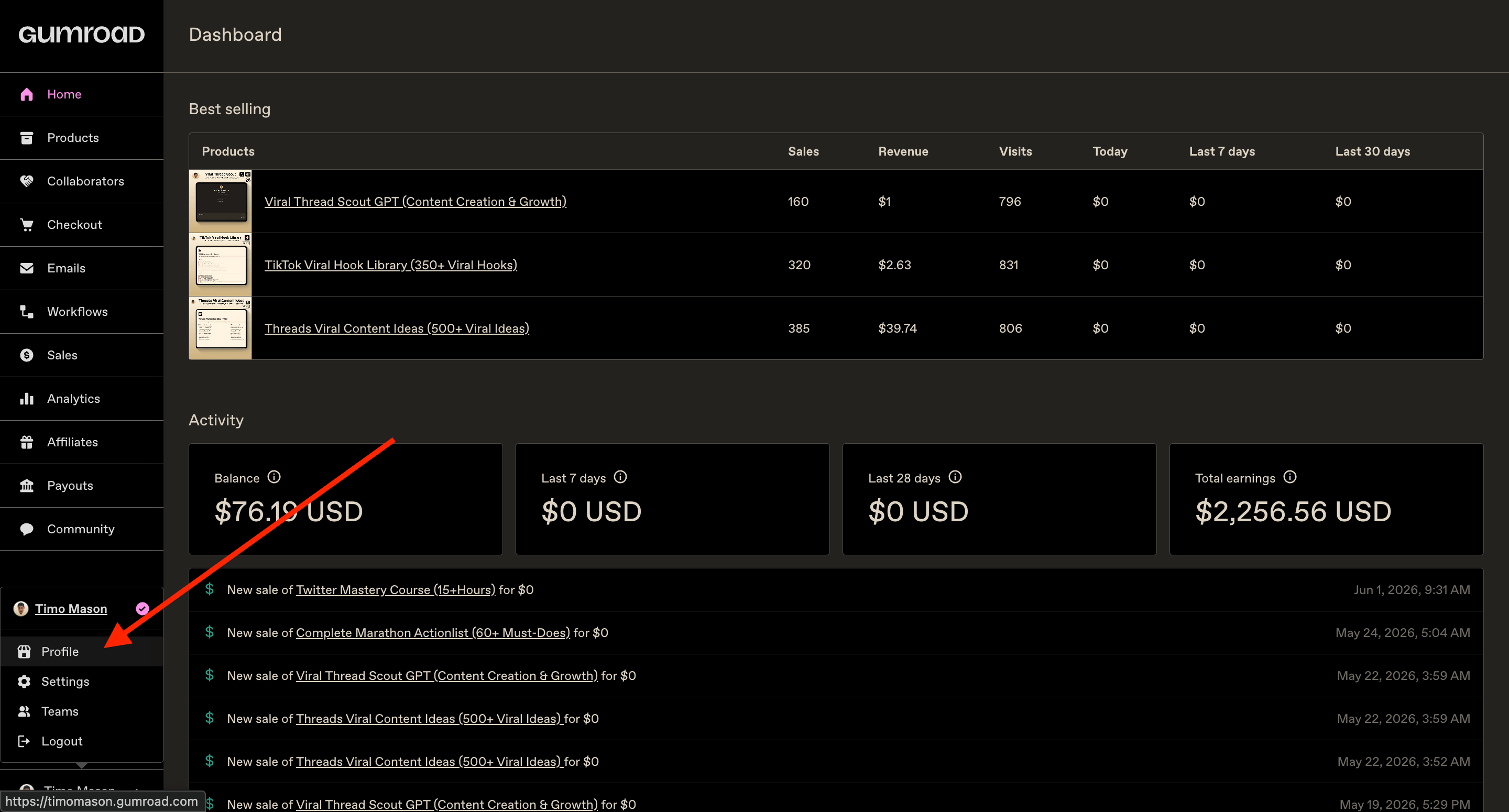
Voilà! Now you should see something like this👇
Well… maybe not as clean, but we will work on that now. :)
What to Put on Your Profile and Where
Before you touch a single setting, think about what you want visitors to see first.
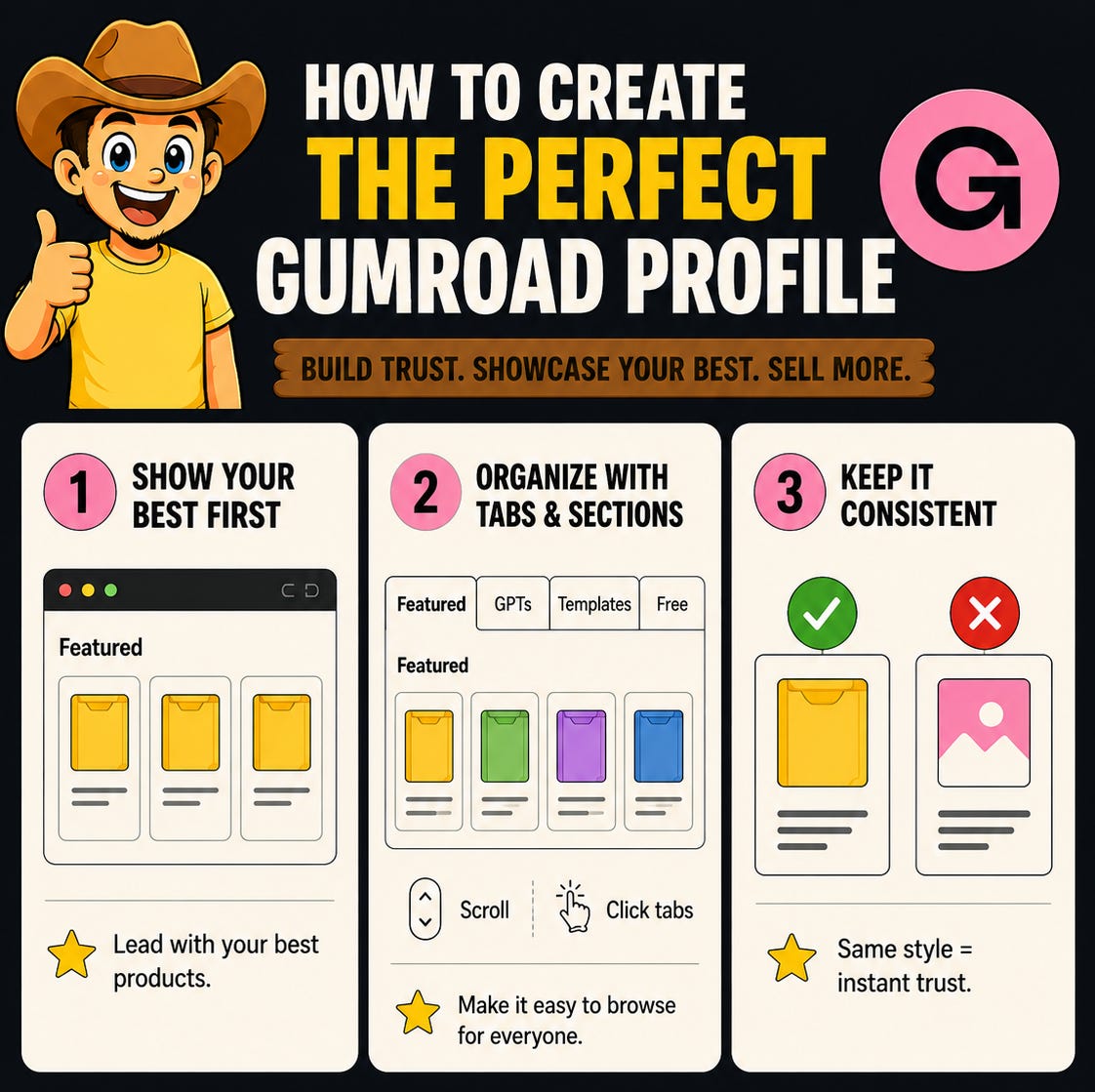
Your home tab should always lead with your best-performing or most important products.
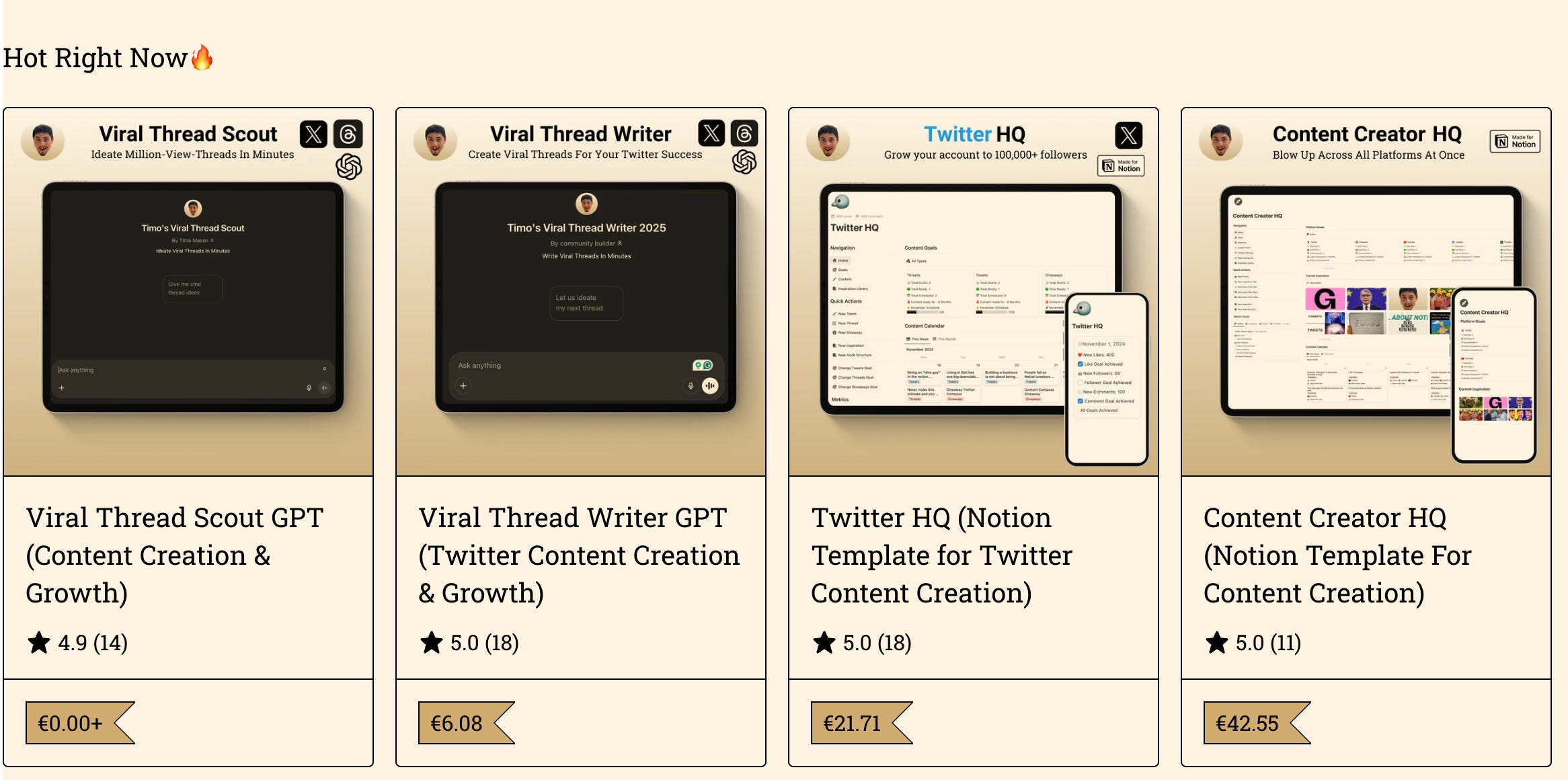
Your bestsellers, your lead magnets, or whatever you most want people to notice. Save the niche stuff for deeper tabs. Think of it like a physical store: you put the bestsellers in the window, not in the back corner.
Tabs and Sections
I give visitors two ways to browse:
They can scroll through the page
They can click through each page at the top.
Both lead to the same products, just organized differently, cause some people scroll and some people click, and you want to catch both.
Here’s how my page structure looks as an example:
Page 1: Featured (Best products and lead magnets front and center)
Page 2: GPTs (all my AI writing tools)
Page 3: Info Products (guides, playbooks)
Page 4: Notion Templates (content management systems)
Page 5: Free Resources (organized by platform)
Use this as a model and adapt it to your own product catalog. The goal is that someone landing on any tab immediately understands what they’re looking at.
To add a new tab / page click on the three dots, then on “pages” and then you click “new page” at the bottom.
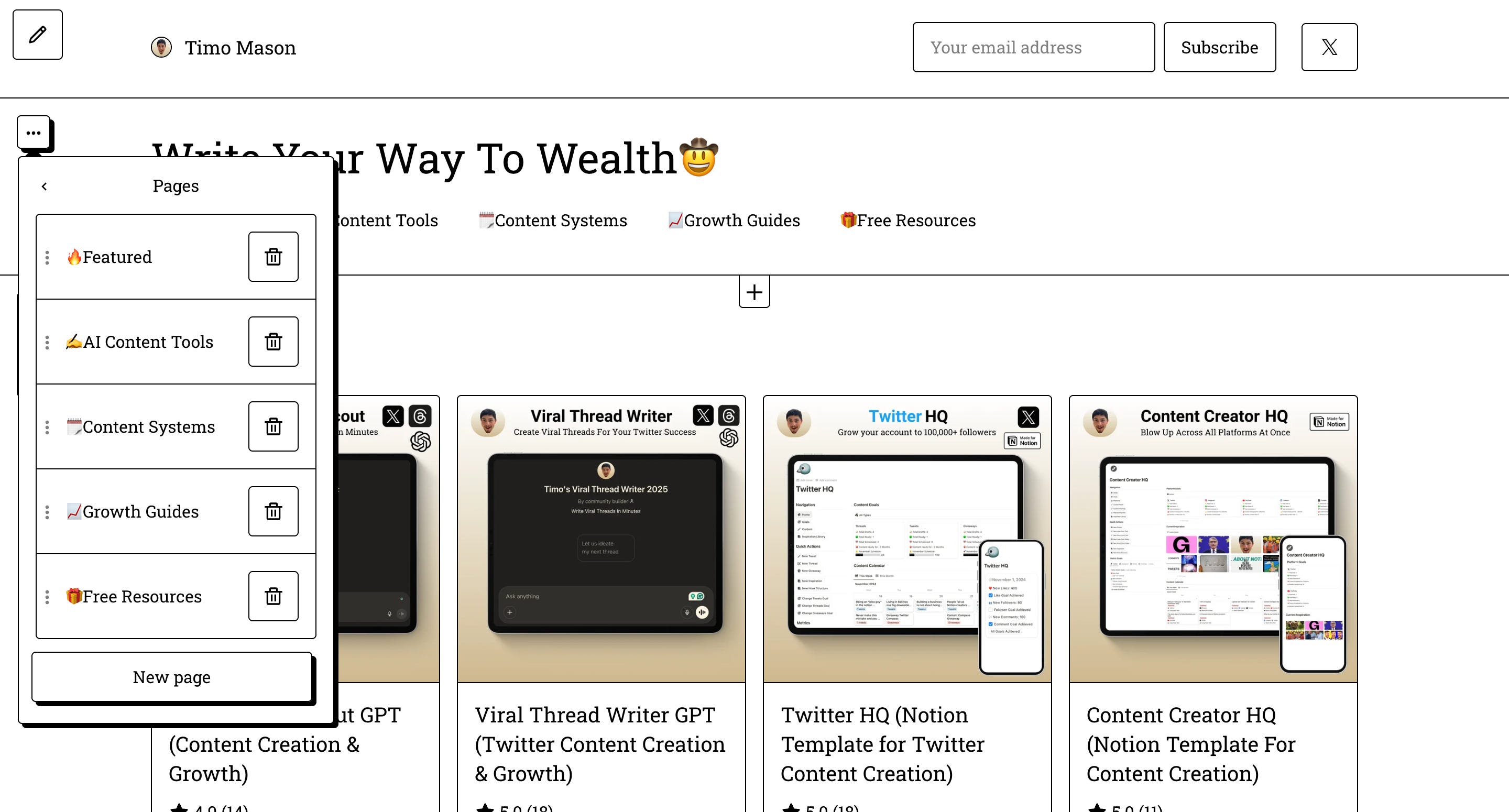
To create sections inside a page you click on the “+” and chose “products”.
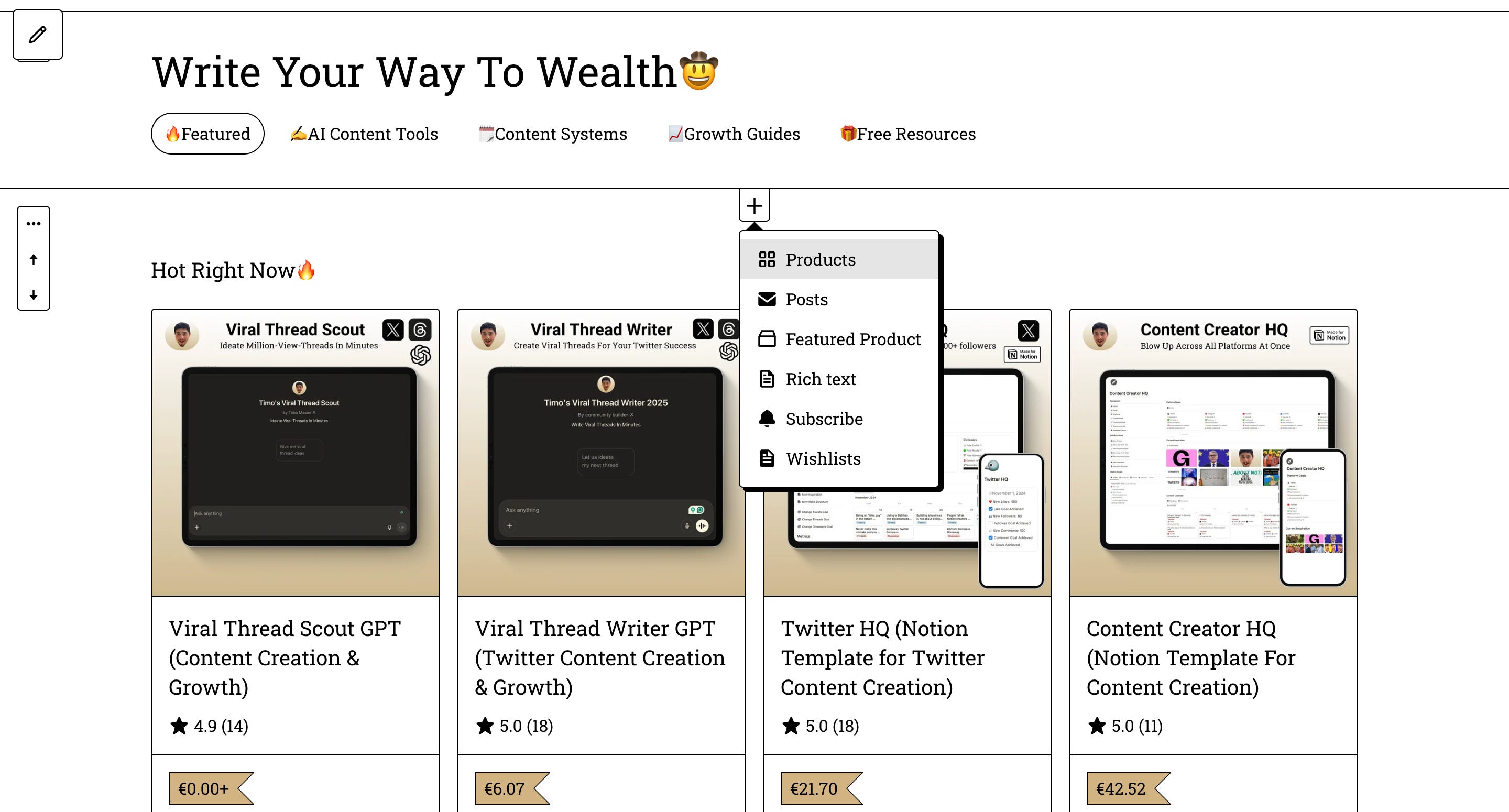
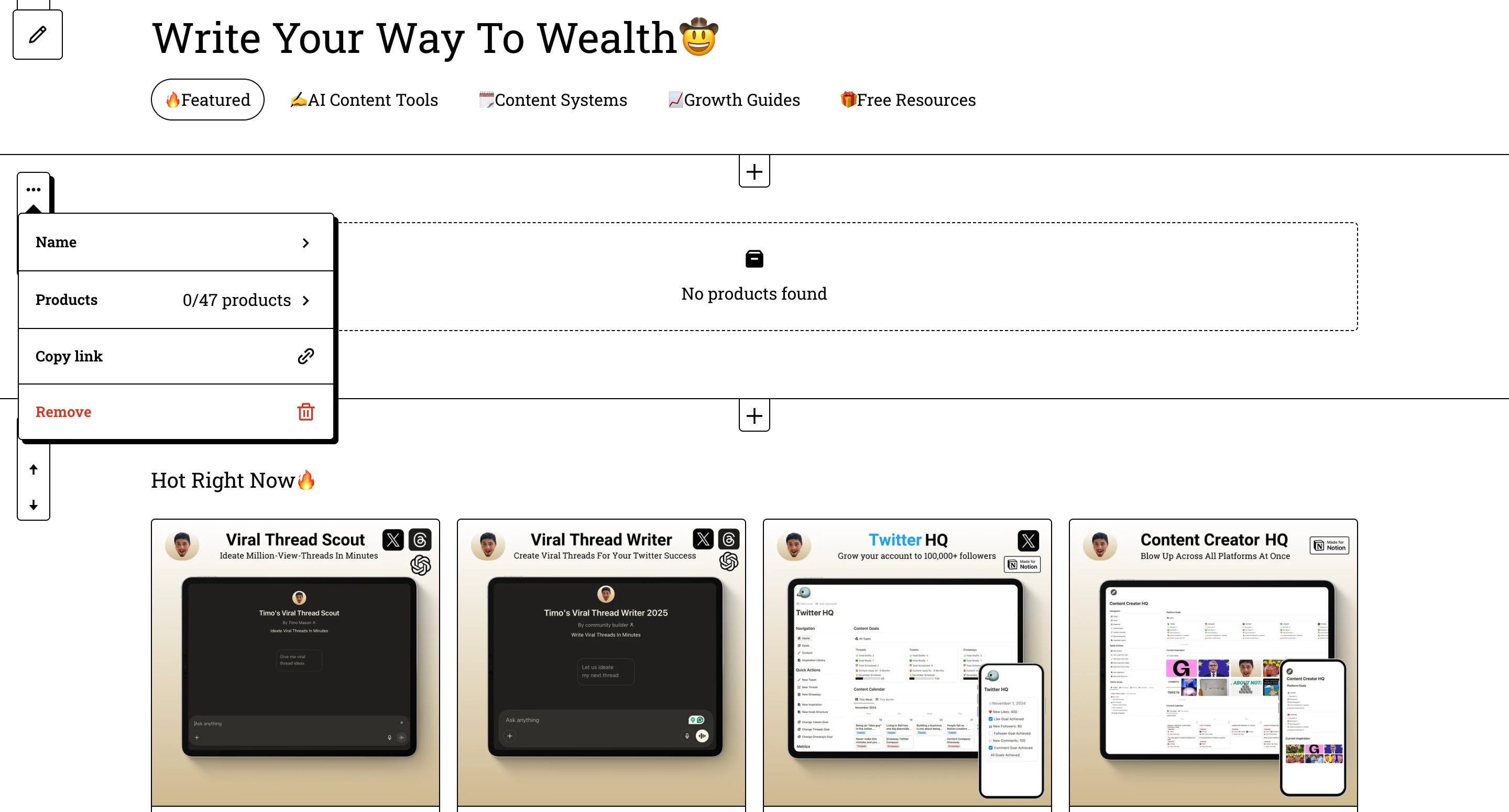
Then you click on the three dots of your new section on the right side, give it a matching name and choose the products you want to have displayed there.
Branding
When someone lands on your profile and sees 10 products that all look like they belong together, it signals professionalism before they read a word.
When it looks like 10 different people designed 10 different products, it signals chaos, and chaos doesn’t convert.
If your profile currently looks inconsistent, fix the product thumbnails before you do anything else.
The single most important thing you can do for your profile is keep all your product thumbnails in the same visual style.
For colors and fonts: click "edit profile" in the upper right-hand corner,
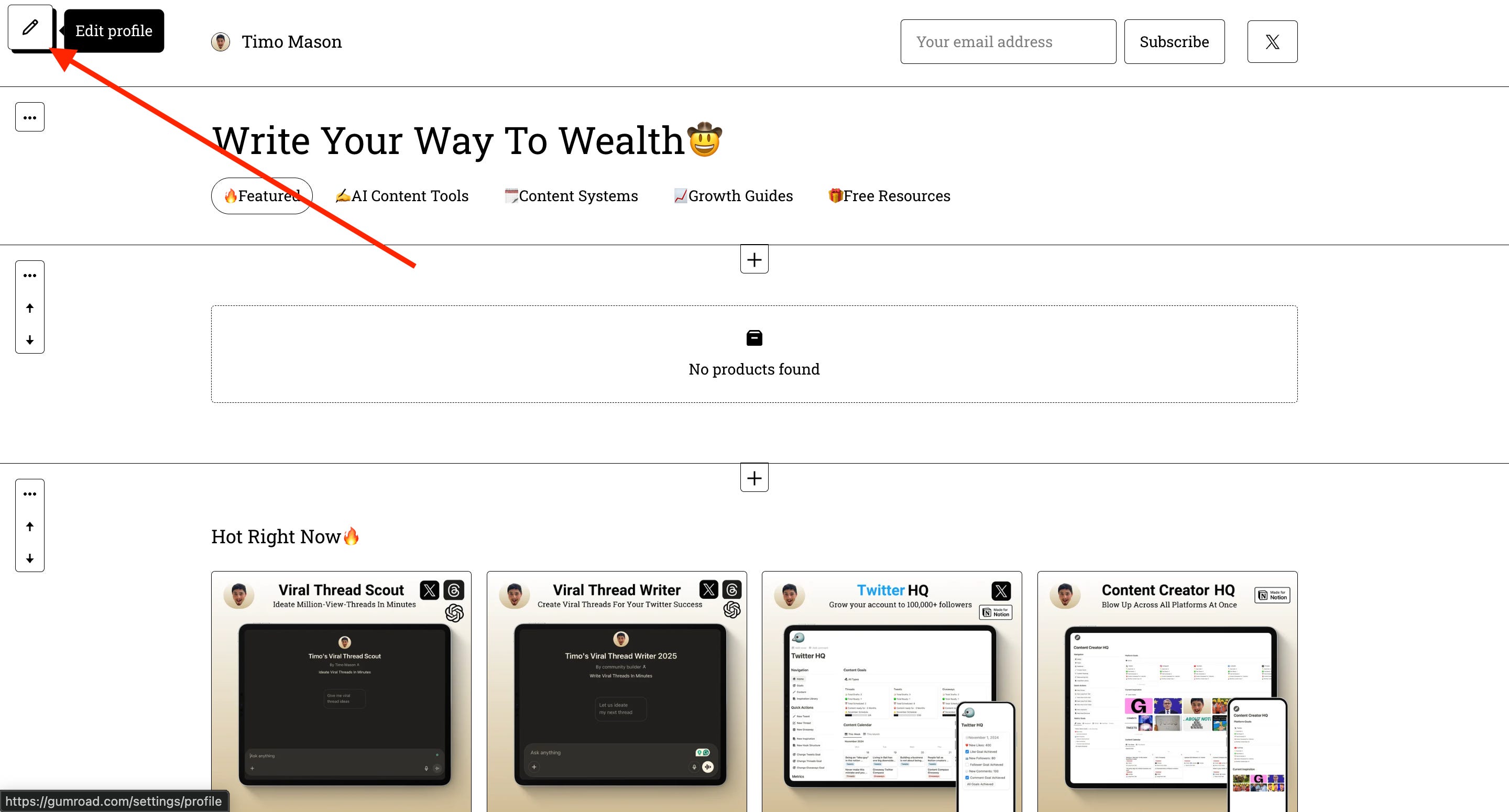
Then scroll down to the bottom of the page.
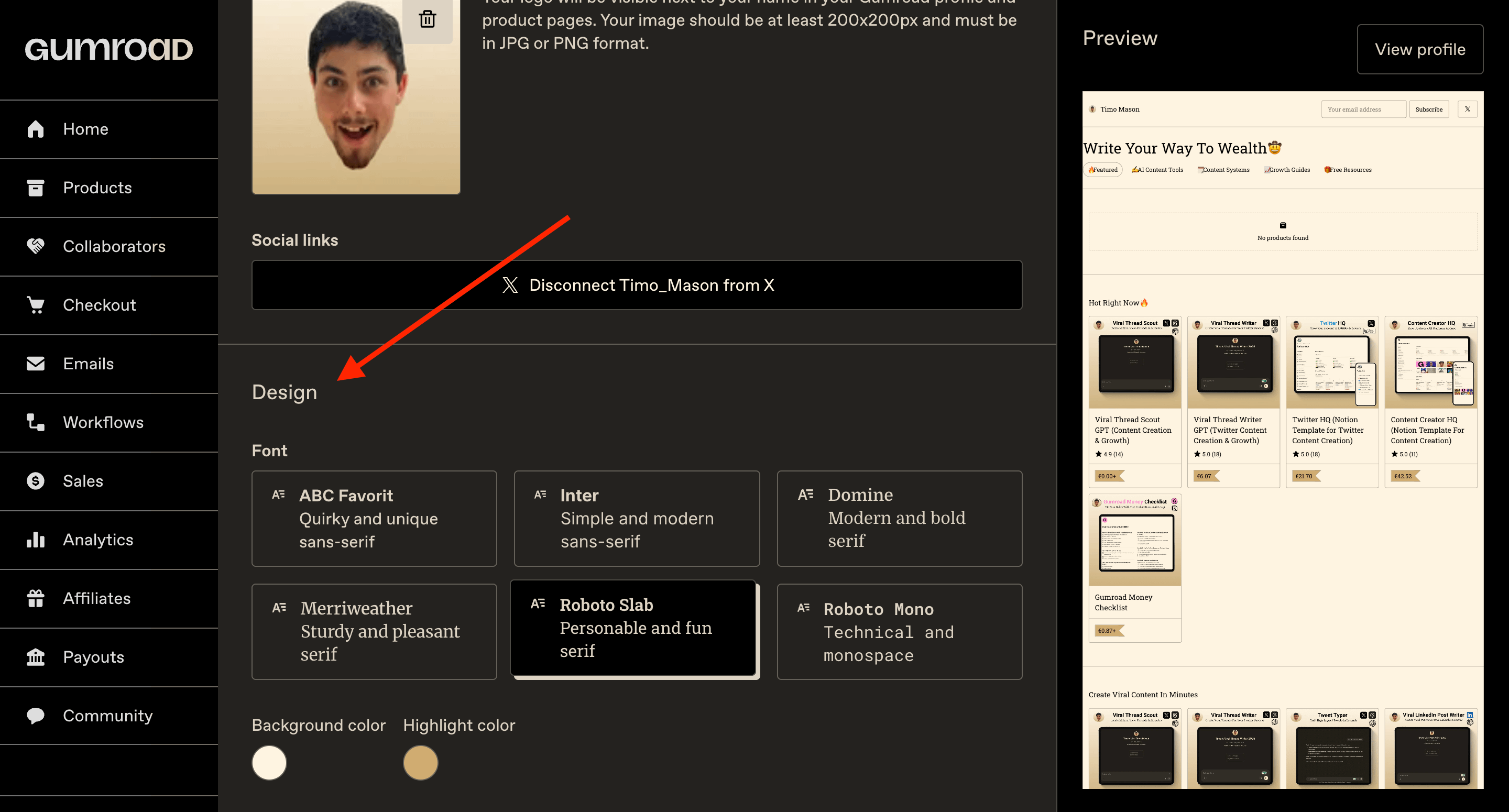
You'll find background color, highlight color, and font options. Don't overthink it, just make sure it matches your brand and is easy to read.
Done!
That's your Gumroad profile page built, branded, and ready for buyers.
You now have everything you need, the dashboard, the products, and the storefront to sell them.
Now it’s time to crank up your newsletter traffic to send them to your beautiful new Gumroad profile.
The Substack Side-Hustle Sprint shows you how to build that audience from scratch, for free.
Subscribe to Write Your Way To Wealth and get the Substack Side-Hustle Sprint for free.
See ya soon
Timo Mason🤠
P.S. This is the written version of a Substack Live I did together with Anfernee. I expanded and rewrote everything for this format, but if you want to watch the original session, here’s the link

Liked this post? 2 ways you can support me
Share it with a creator friend who will benefit.
Ask a question or share your thoughts in the comments.
 | A guest post by
|